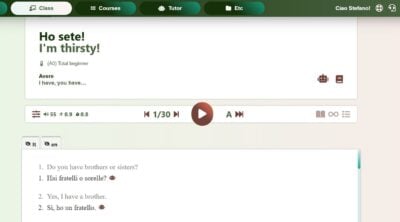
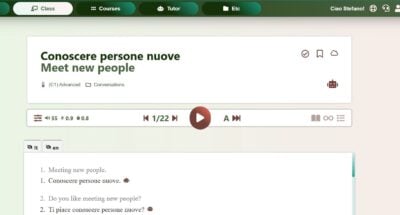
After installing the app, you can download lessons and access them offline.
Here’s how:
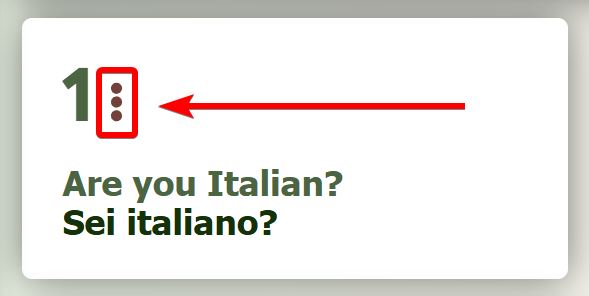
- On either the Library or Lesson page, click the 3 dots next to the lesson number.
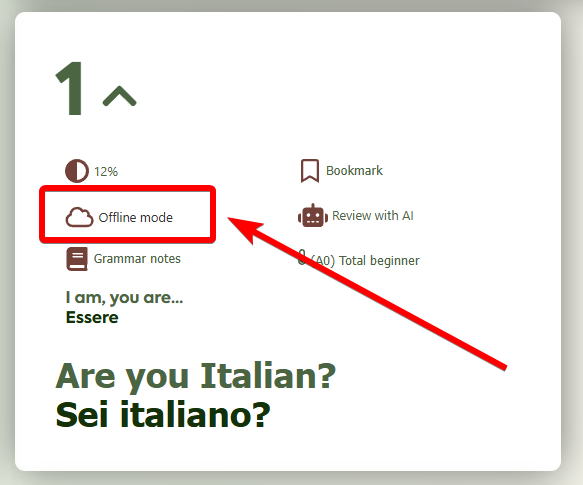
- Tap “Offline Mode” and wait for the lesson to finish downloading.
After installing the app, you can download lessons and access them offline.
Here’s how: